Printing by template
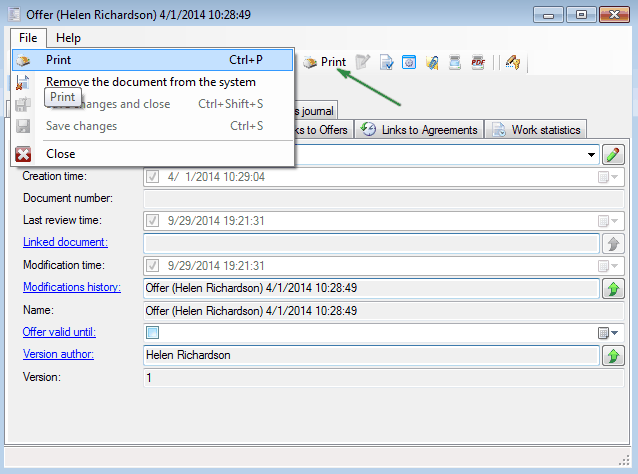
After the templae is prepared, it remains to test the template usability. To do this, open a document of this type and select "File / Print" or click "Print" on the document,
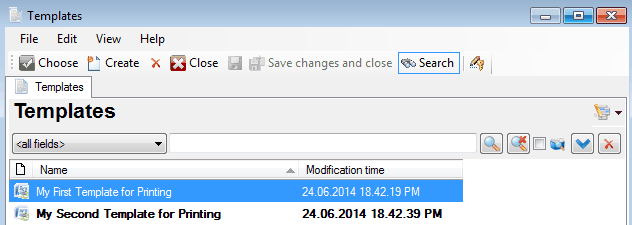
select appropriate template from list
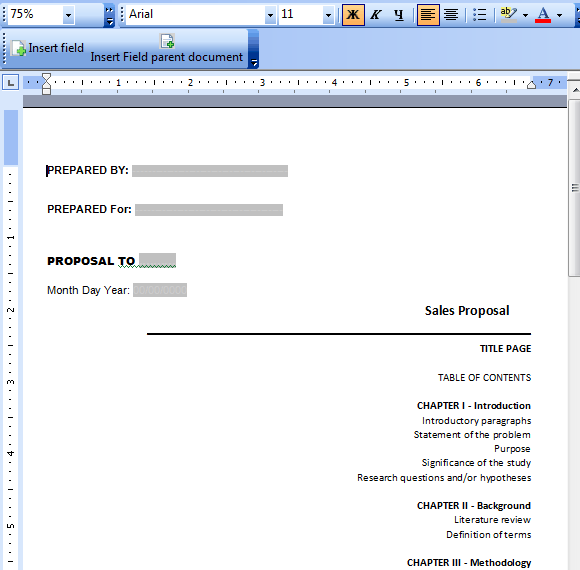
and you will get document ready for printing.
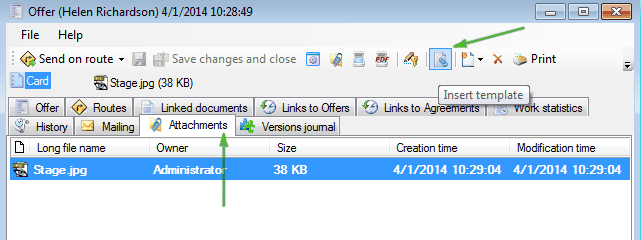
Also you can insert template into document. To do this, select “Attachments” tab and click
 (“Insert template”)