Testing the route
Let’s test newly created route pattern. To do this, create an “Offer” document on behalf of employee of the marketing department.
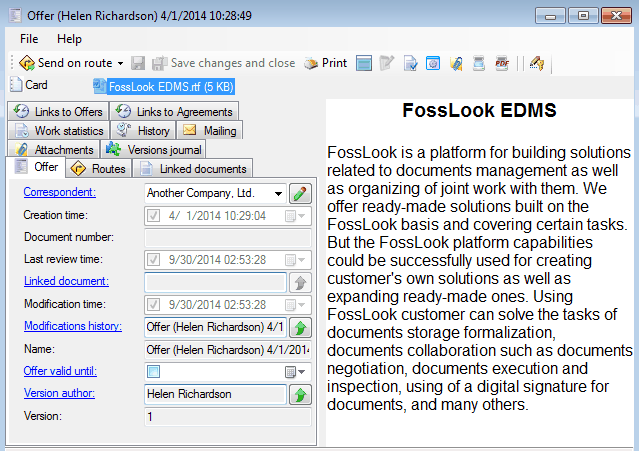
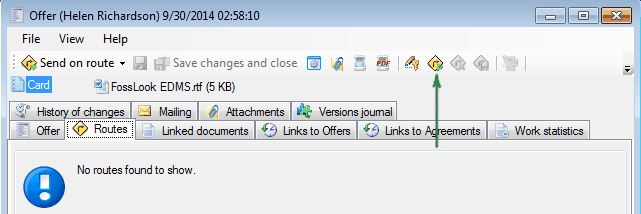
Go to tab “Routes” and click

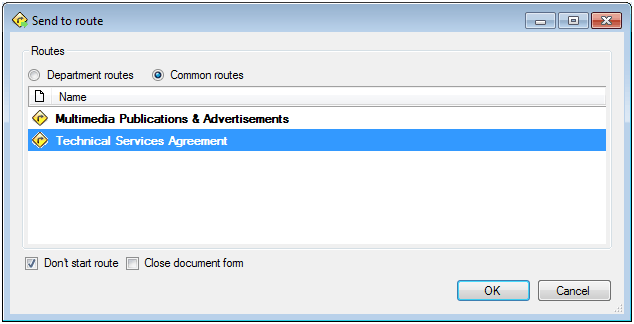
Select desired route (we have only one for this department).
System will automatically create necessary route. First point of route is agreement in legal department.
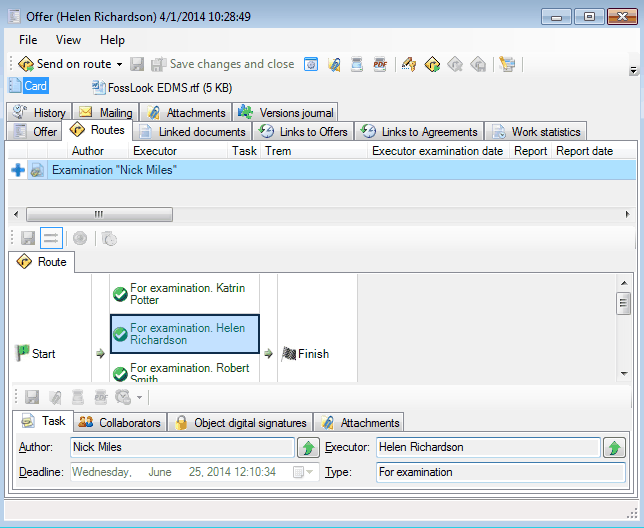
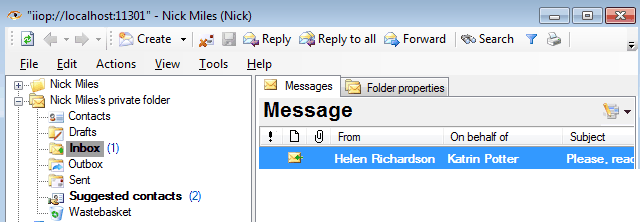
Login as employee of law department – Nick Miles. There is an order in his “Inbox” folder to agree “Offer” document from Helen Richardson.
When you open this order the route point at which Nick Miles can express his opinion is opened.
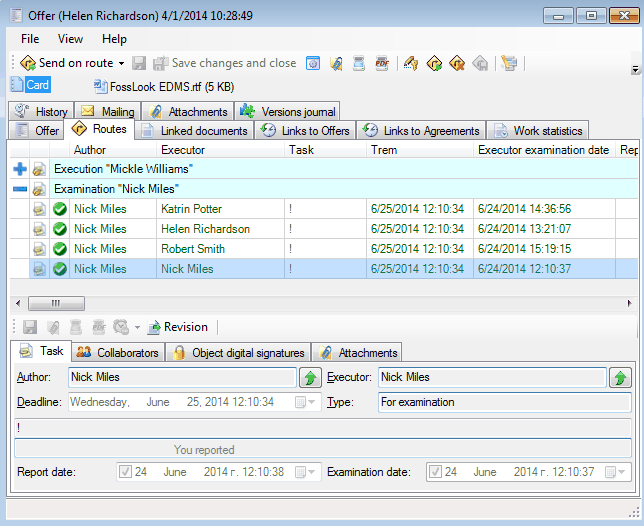
Next, the document, according to our route, at the same time goes to Nick Miles and Helen Richardson. If at least one of them will express his/her opinion then document will move to Katrin Potter.
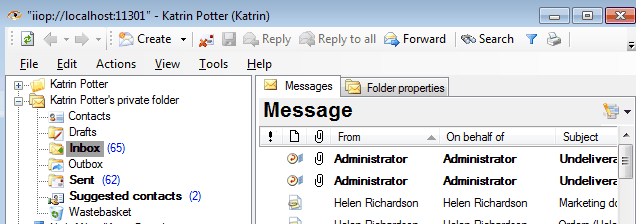
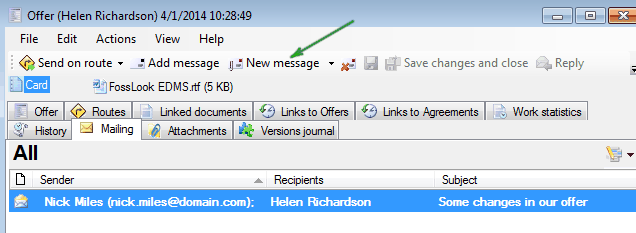
According to order Katrin Potter should send a proposal to the addressee. She can do it directly from the document by clicking on the “Mailing” tab and pressing
 button
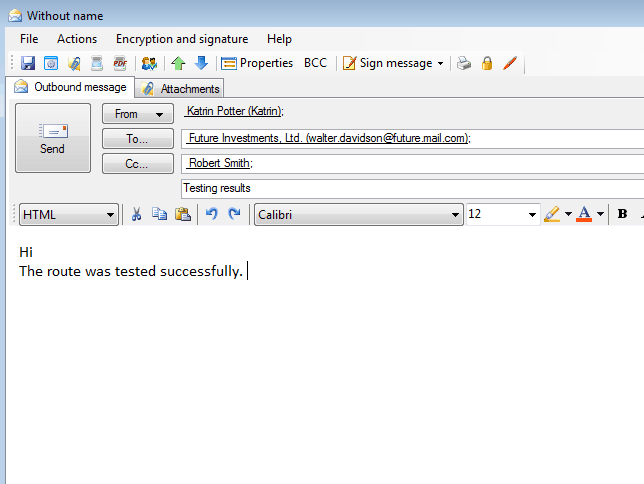
File attached to the document will be automatically attached to the letter
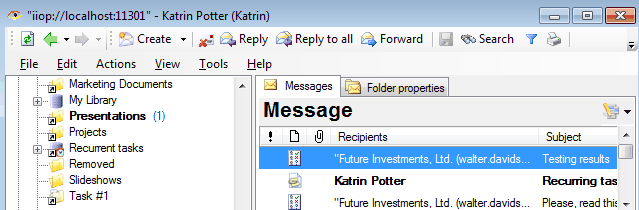
and the link to the letter itself will be placed in the “Mailing” tab of “Offer” document.
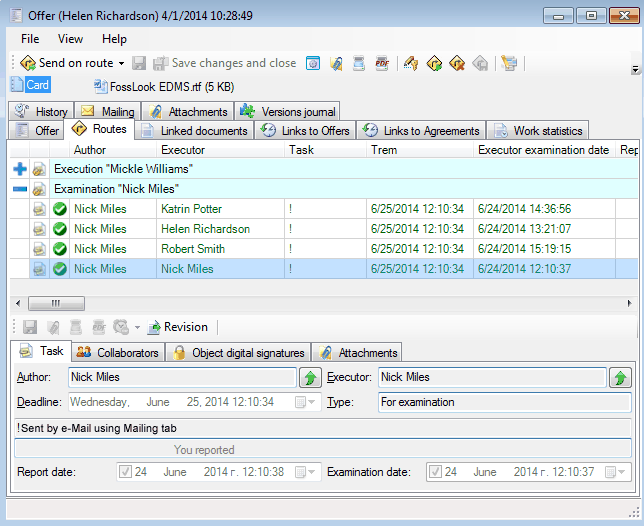
After Katrin Potter reported sending email the route of the document is finished. Information about the actions of all employees included in the document.
A list of all Offers located in folder “Offers”.
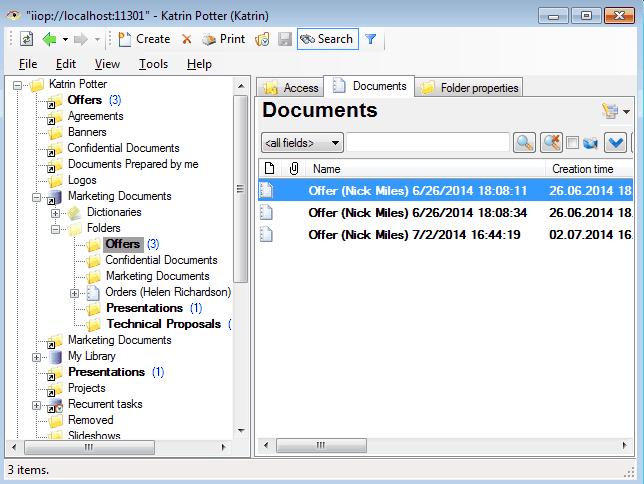
We can conclude that we have managed to create a business process for the preparation and sending of Offers to our contractors.
Related articles
- How to Automate Your HR Department with FossDoc
- Customer Management with FossDoc
- Using FossDoc as a Database for Sociology Studies
- How to Use Document Assembly in Word and FossDoc
- Custom Business Solutions
- How to Manage Student Group Timetable with FossDoc
- Creating business application
- Defining solution boundaries for business applications
- Configuring access to folder
- Configuring access to folders
- Creating basic document type named “Marketing document”
- Creating of a document type
- Creating “Correspondents and contacts” warehouse
- Creating “Marketing documents” warehouse
- Creating of a documents library
- Customizing folder’s view
- Document fields
- Document functions
- Preparation of the document's route pattern
- Preparation of the route
- Testing the solution
- Customizing folder’s view
- Using the mechanism of “Inherited document types”
- Using the mechanism of adding fields