Linked documents
If you need to link documents together, use the “Related Documents” tab which is available in the document's card of the FossDoc EDS platform. Now you can open one document from another document.
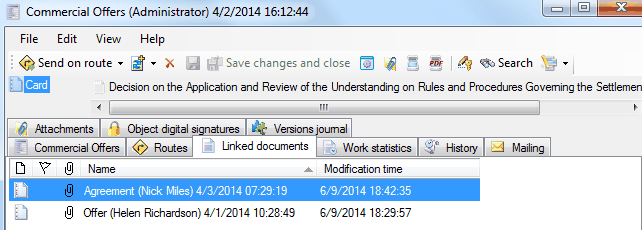
For linked documents, you can add a cross-referenced link.
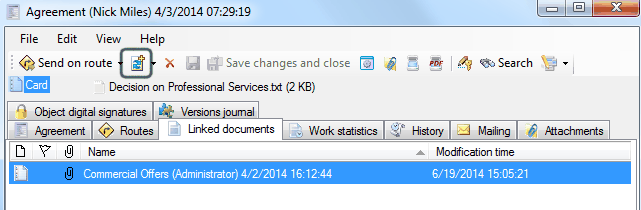
How to link documents together?
Related articles
- What is Electronic Document Management?
- Document's card description
- FossDoc Field Types
- AutoComplete fields with default values
- Using Field Calculations in FossDoc
- Creating a Custom Document Type
- Document Libraries
- Linking Related Documents Together
- Virtual folders
- Movement of the document
- Document Publication in FossDoc
- How to Use the Document Search
- How to Remove Document Libraries and Types