Preparation of the route
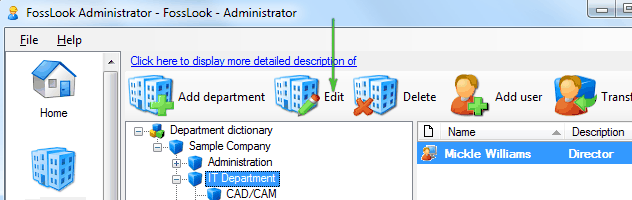
Let’s create template of the route for marketing department where commercial proposals are preparing. To do this place cursor on this department and click “Edit”
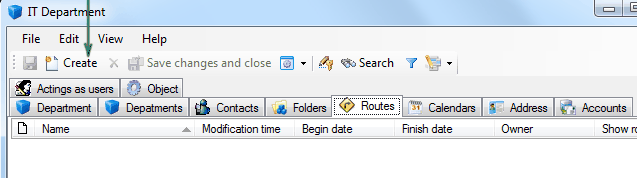
Got to tab “Routes” and click “Create”
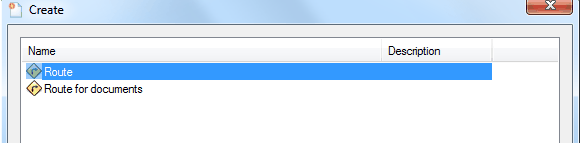
Select “Base route”
and enter name of the route.
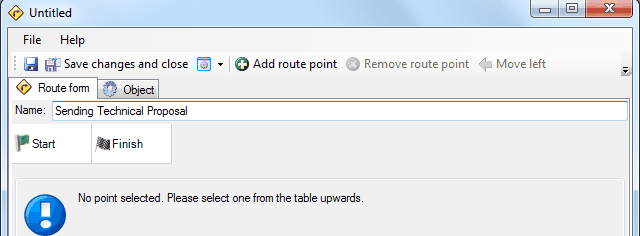
Next click
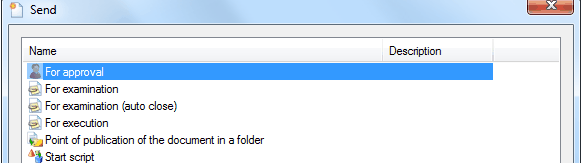
 and select point “For approval”.
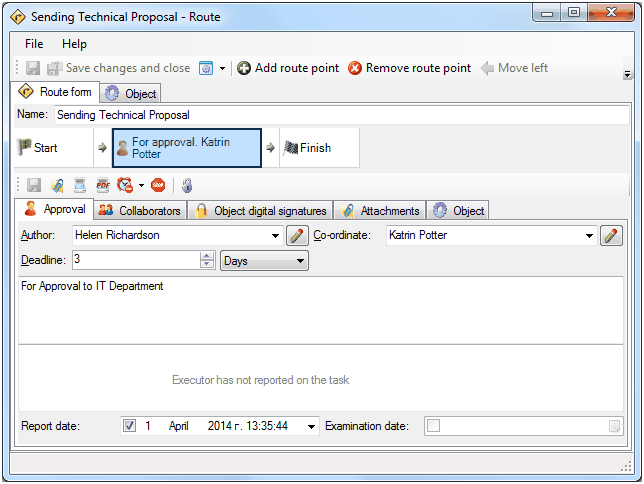
Fill in all fields of order. Enter deadline value in days. In the future, at the route startup, the system will correctly substitute the real dates. Field “Author” will be filled automatically with name of user who stored the route. If you want to set up a particular person as author of the route regardless of who created route you can specify particular user.
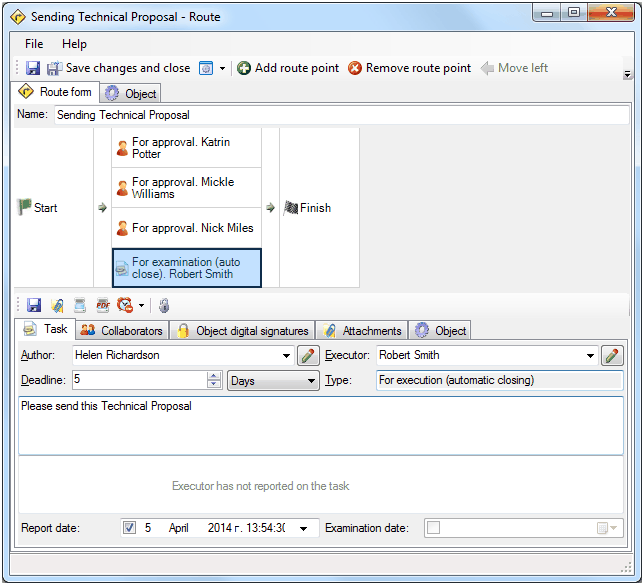
Create rest of points in the same way. Take in account that last point will be “For execution (auto close)”, not “For approval”. As result we will get a parallel route with four points.
Using buttons
 place route points in right order.
Turn on feature “OR”
 for parallel part of route. In this mode route will be continued even if one of executors will close the route point. It doesn’t matter who, Mickle Williams or Katrin Potter will approve or don't approve commercial offer, it will be considered as approved or not approved.
Below is our route pattern.
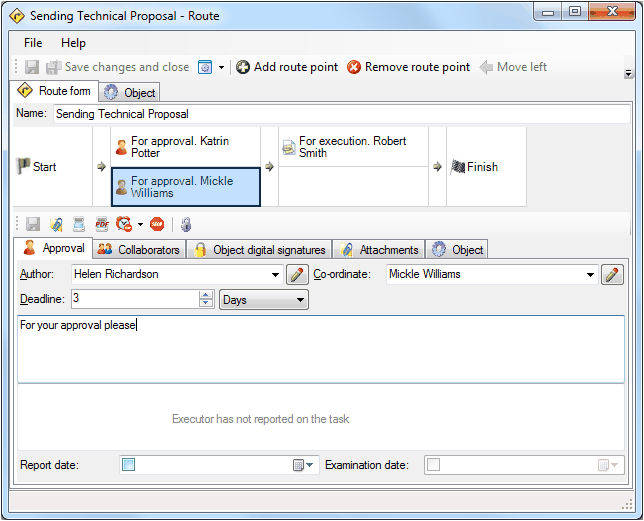
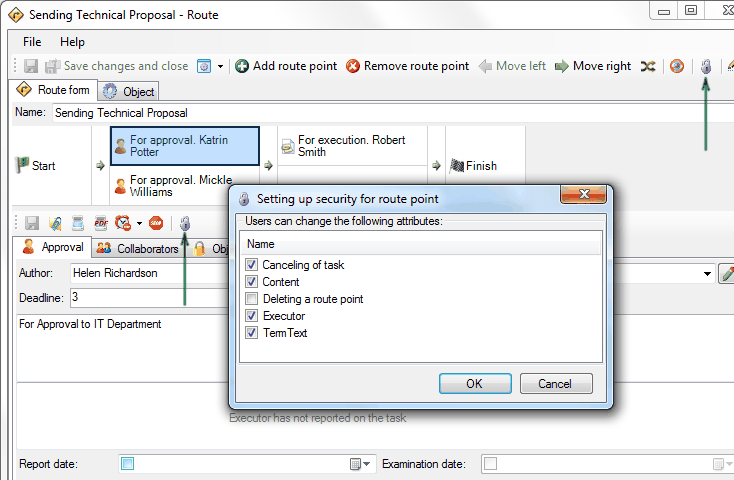
You can protect the route pattern from modifications at the time of its launch by user. Corresponding buttons on the template route are intended for this purpose. Pull-down menu is used to define the relevant route points for such protection.
Related articles
- How to Automate Your HR Department with FossDoc
- Customer Management with FossDoc
- Using FossDoc as a Database for Sociology Studies
- How to Use Document Assembly in Word and FossDoc
- Custom Business Solutions
- How to Manage Student Group Timetable with FossDoc
- Creating business application
- Defining solution boundaries for business applications
- Configuring access to folder
- Configuring access to folders
- Creating basic document type named “Marketing document”
- Creating of a document type
- Creating “Correspondents and contacts” warehouse
- Creating “Marketing documents” warehouse
- Creating of a documents library
- Customizing folder’s view
- Document fields
- Document functions
- Preparation of the document's route pattern
- Testing the route
- Testing the solution
- Customizing folder’s view
- Using the mechanism of “Inherited document types”
- Using the mechanism of adding fields