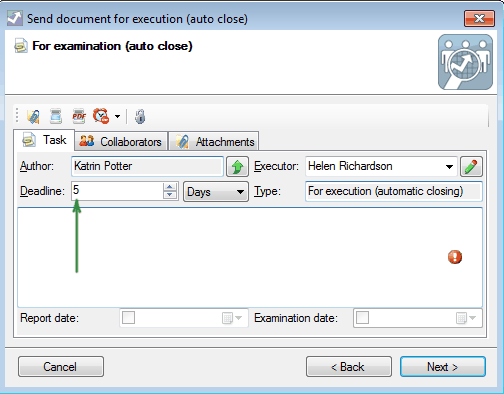
How to change the deadline for execution of instructions (orders) by default?
As you know, the instructions (orders) mechanism is used for the movement of documents between FossDoc users When you create the instruction (order), the term of its execution (deadline) is set to one day by default.
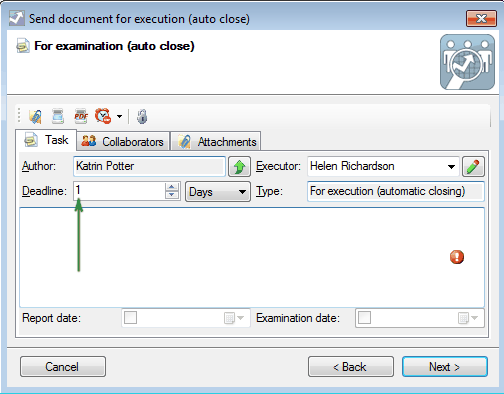
If necessary, the period of execution (deadline) for the instruction (order) can be changed from the default value. To do this, run the administration program FossDoc Administrator (extended mode) and open **"Order types dictionary"**which could be found in "Documents routing" documents library.
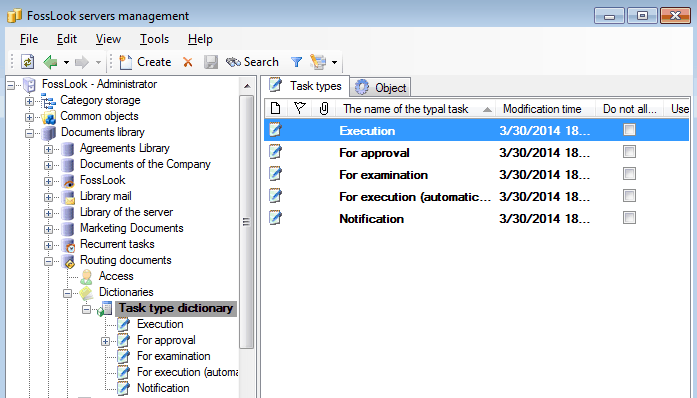
When you choose a type of order you, open it and change the "Deadline (the number of days for execution)" parameter.
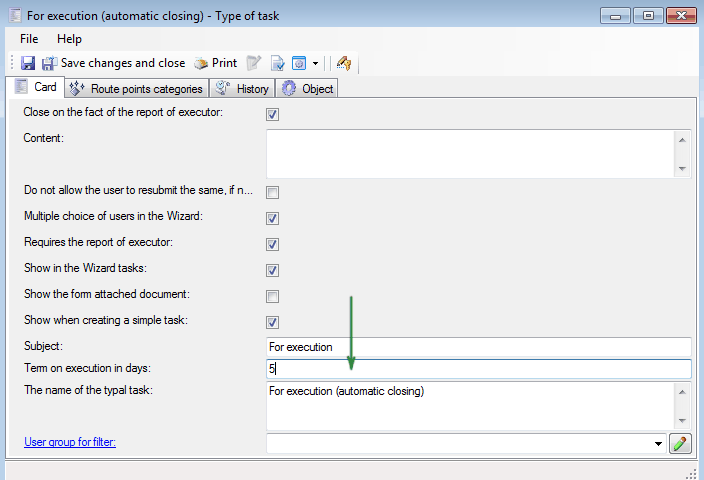
Now, the deadline of assignments preparation for the "For execution (automatic close)" route will be set to five days by default.