Providing access to folders with documents
Access to folder can provide system administrator or user with appropriate permissions.
When folder is created, it inherits parent’s properties. To provide access to a folder to particular user or group of users you need to break this inheritance.
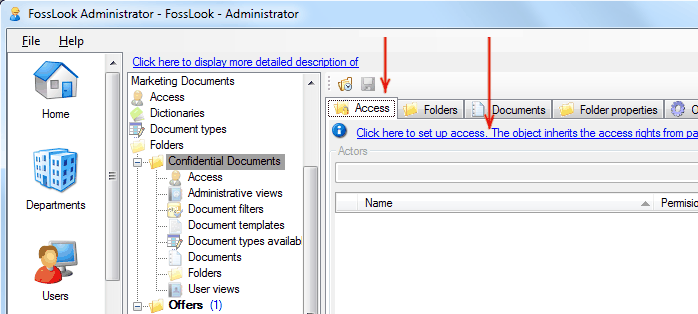
By breaking inheritance administrator can provide access to users or group of users explicitly specifying them.
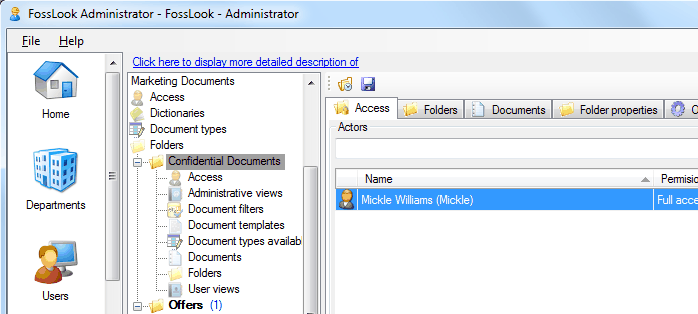
Users who are listed at “Access” tab of appropriate folder will see this folder in their root folder and will have appropriate access level to this folder.
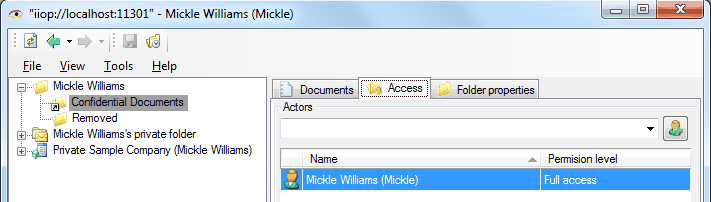
Users who have rights to grant access can grant necessary access level to themselves by clicking

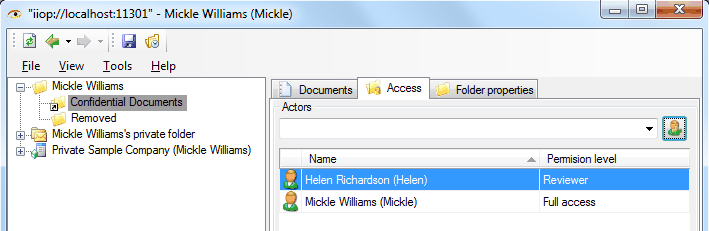
If you want user to see folder in the folder hierarchy, and not in the root folder, then it should not be added to the “Access” tab and he should be given the appropriate “permissions” by right-clicking on the folder.
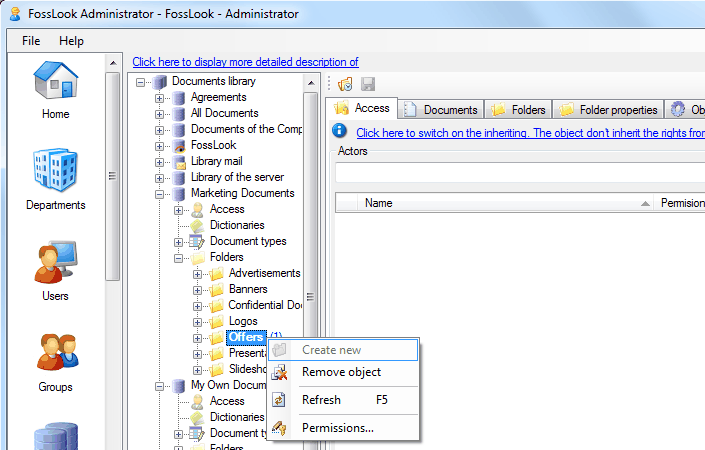
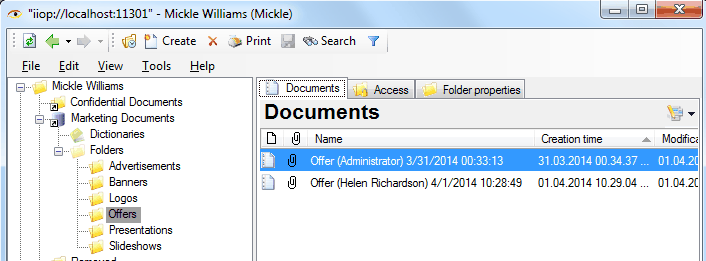
After providing “Permissions” folder hierarchy of user will looks as follows.
It is possible to specify access levels to work with a folder using the “Permissions” context menu.
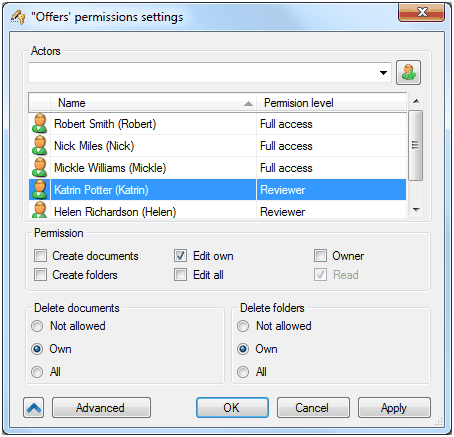
You can customize additional options of permissions by clicking
 .
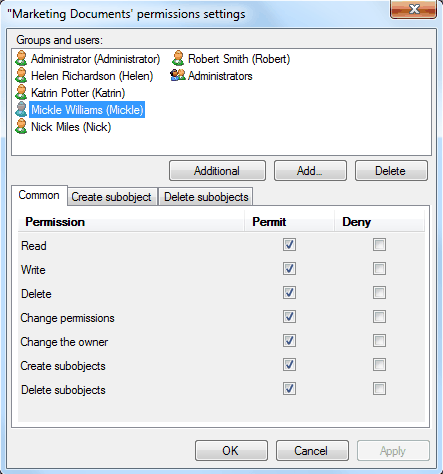
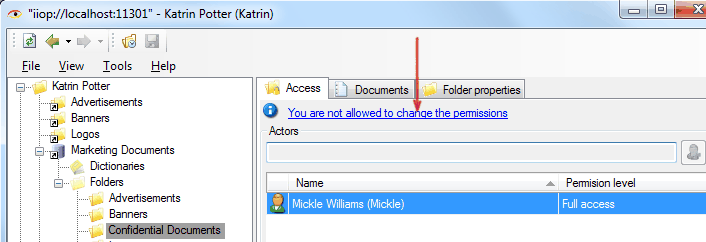
Note that only users who have rights to change permissions on the folder can manage rights of other users to this folder. For example, user with access level “Read” can’t manage rights of other users.
Delegation of powers of the employee
Related articles
- Tracking of powers
- Options of access levels
- Levels of access
- Access levels
- Restriction of access to documents and attached files
- Restriction of access to documents
- Restriction of access to attached files
- FossDoc User Groups
- Options for providing access to folders and documents
- Delegating mailboxes within a department
- Delegation of powers by administrator
- Delegation of powers by employee
- Delegation of powers
- Tracking of delegated powers by system
- Delegation of authorities