Testing the solution
Now let’s see if created storehouses meet their stated requirements. We will log into the system as Helen Richardson, who needs to see the whole database structure as it belongs to the group “Working with Offers” and has the right to work with the “Correspondents” folder. Indeed, the look of her folders corresponds to what we wanted.
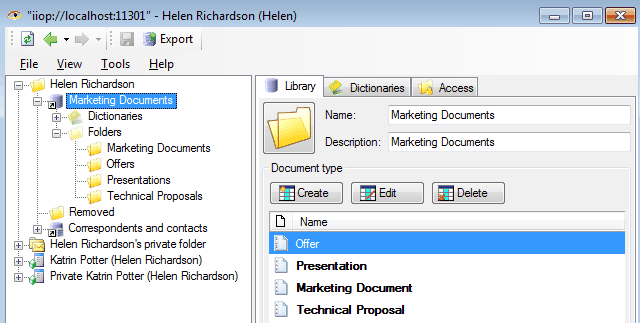
Create a document from her name in each folder, checking the appropriate fields and functions of the documents, like we designed them.
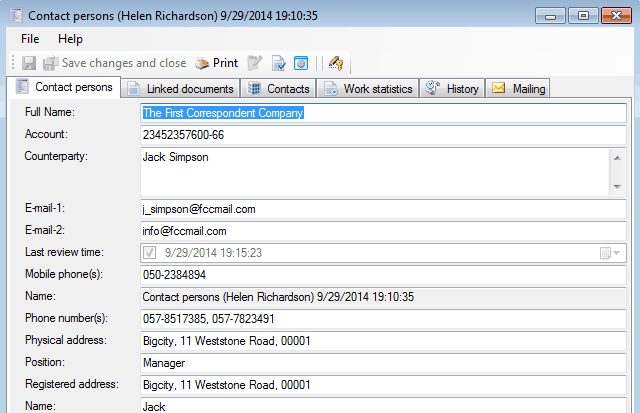
“Contact persons” Document
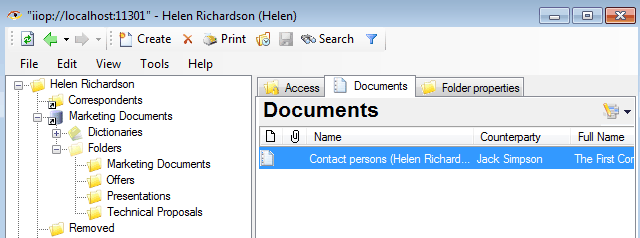
“Documents” tab of “Contact persons” document
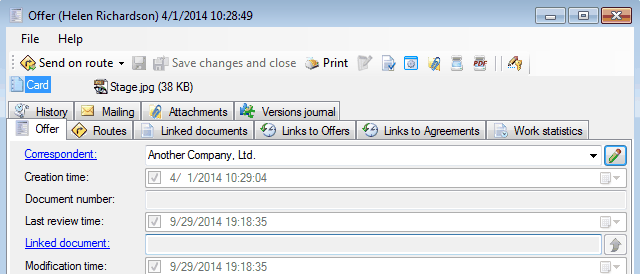
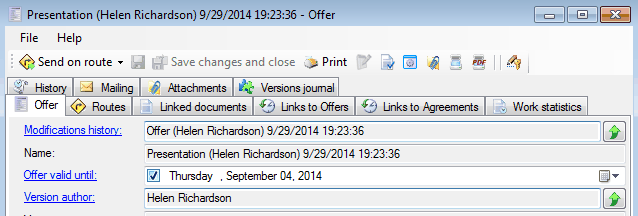
“Offer” document
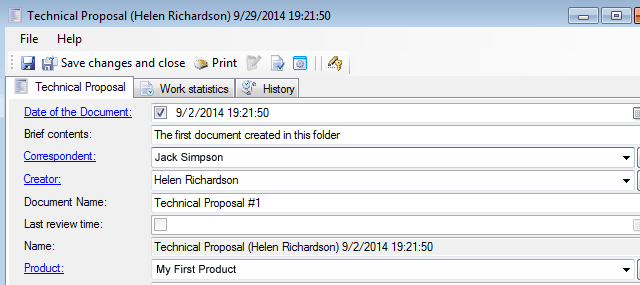
“Technical proposal” document
“Presentation” document
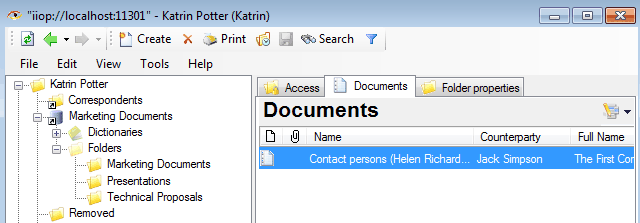
Now we will check how Katrin Porter, a member of the IT department sees the newly created folder structure. Otherwise, she is not not a member of “Working with Offers” group. So, as we planned, she does not see the “Offers” folder and does not have any access to this folder.
The first 2 steps of our solution are done – we created a documents storehouse and we can control the access to it.
Preparation of the document's route pattern
Related articles
- How to Automate Your HR Department with FossDoc
- Customer Management with FossDoc
- Using FossDoc as a Database for Sociology Studies
- How to Use Document Assembly in Word and FossDoc
- Custom Business Solutions
- How to Manage Student Group Timetable with FossDoc
- Creating business application
- Defining solution boundaries for business applications
- Configuring access to folder
- Configuring access to folders
- Creating basic document type named “Marketing document”
- Creating of a document type
- Creating “Correspondents and contacts” warehouse
- Creating “Marketing documents” warehouse
- Creating of a documents library
- Customizing folder’s view
- Document fields
- Document functions
- Preparation of the document's route pattern
- Preparation of the route
- Testing the route
- Customizing folder’s view
- Using the mechanism of “Inherited document types”
- Using the mechanism of adding fields