Using the mechanism of adding fields
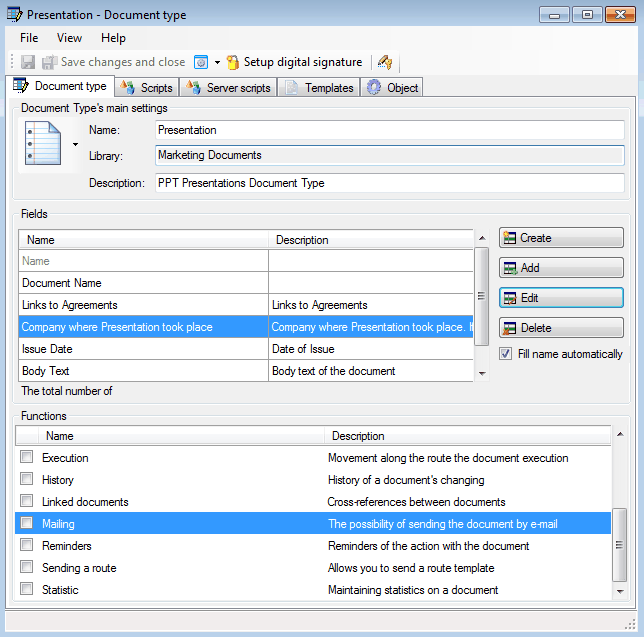
Now we need to create a “Presentations” type of document. This document type will be different from a base type of document, but we can use some of the fields, changing them slightly. Create a “Presentations” document type and rather than creating its fields, we will add already existing fields by pressing
 instead of

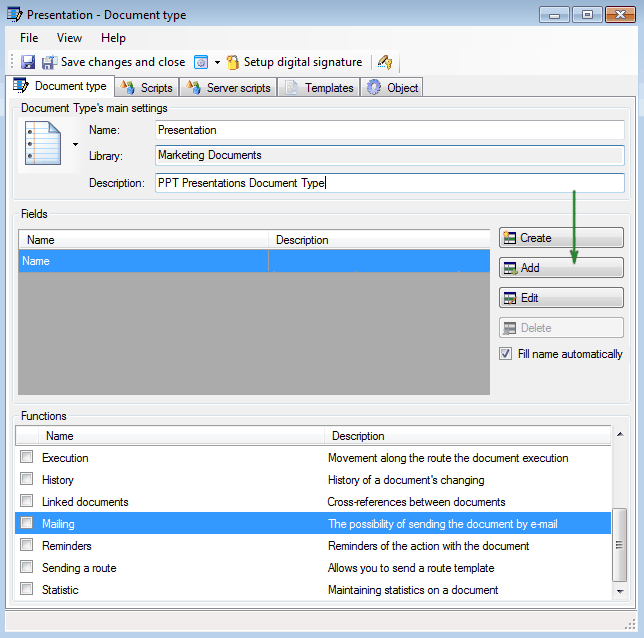
You must first select the library from which you will add the fields. In our case, we will use the “Marketing documents” library.
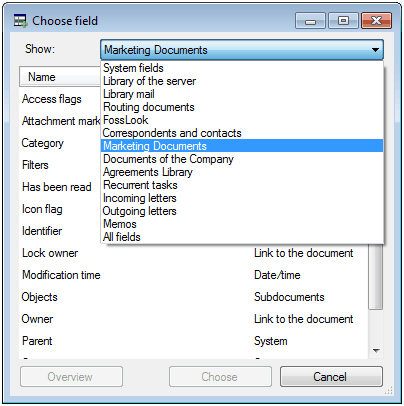
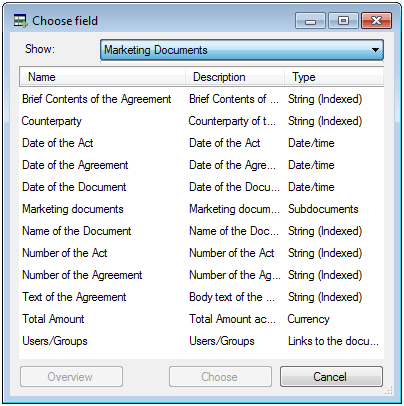
And then select the needed fields.
The result of out “Presentations” document.
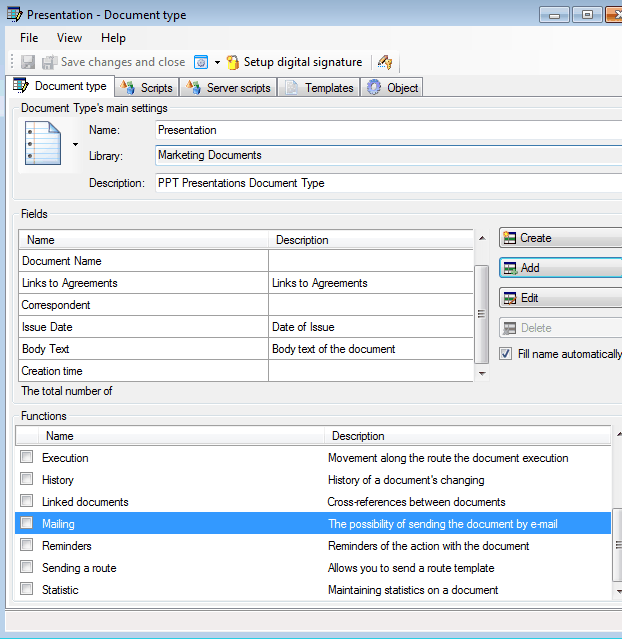
But the field name “Correspondent” is not very suitable for a presentation, so we will change it to something else. To do this, we need to edit the field, press
 and change the name of the field.
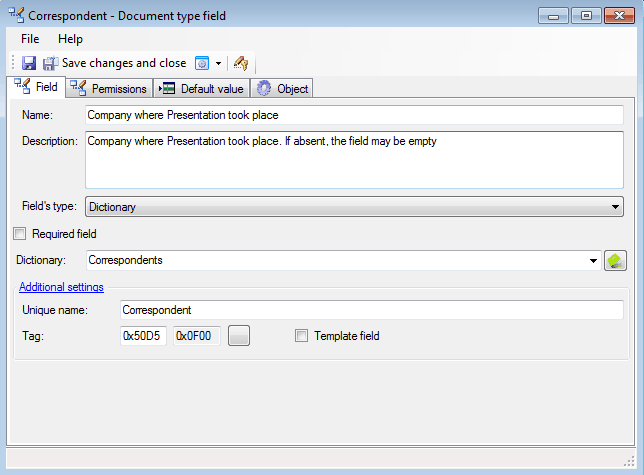
The fields in the “Presentations” document type will be:
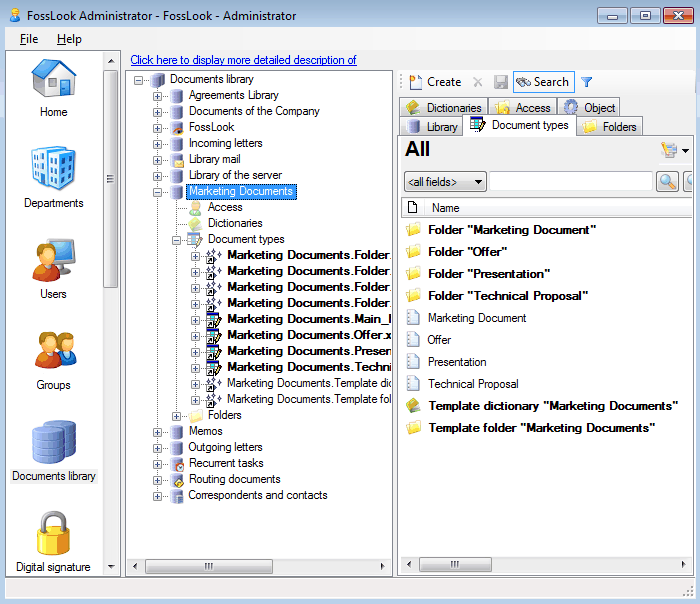
And in the end, we created following libraries:
** Setting folder views**
Related articles
- How to Automate Your HR Department with FossDoc
- Customer Management with FossDoc
- Using FossDoc as a Database for Sociology Studies
- How to Use Document Assembly in Word and FossDoc
- Custom Business Solutions
- How to Manage Student Group Timetable with FossDoc
- Creating business application
- Defining solution boundaries for business applications
- Configuring access to folder
- Configuring access to folders
- Creating basic document type named “Marketing document”
- Creating of a document type
- Creating “Correspondents and contacts” warehouse
- Creating “Marketing documents” warehouse
- Creating of a documents library
- Customizing folder’s view
- Document fields
- Document functions
- Preparation of the document's route pattern
- Preparation of the route
- Testing the route
- Testing the solution
- Customizing folder’s view
- Using the mechanism of “Inherited document types”