Working with document templates
If you need to print a large number of similar documents, you can use templates. The data in the document that is printed will be fed from the document’s card. One type of document can be assigned to multiple patterns.
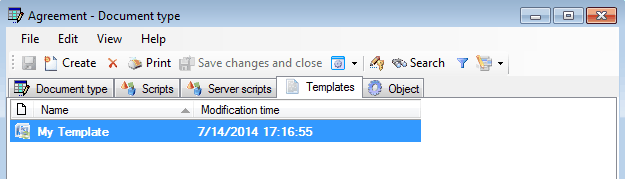
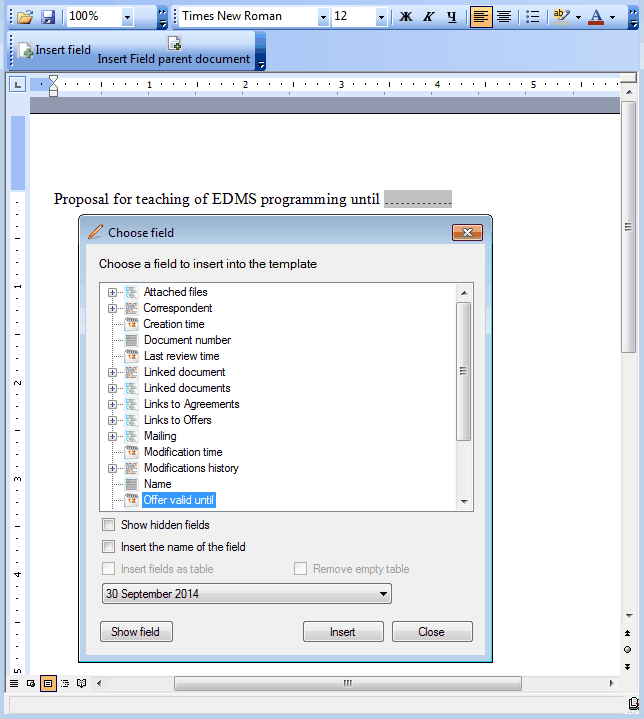
Templates are made in Word using FossDoc settings. Select the document field and its location, where it will be displayed in Word..
Now open the document card and click “Print”,
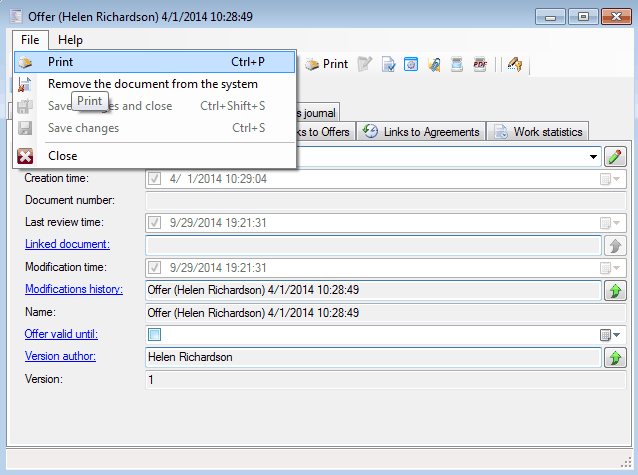
get ready to print the document.
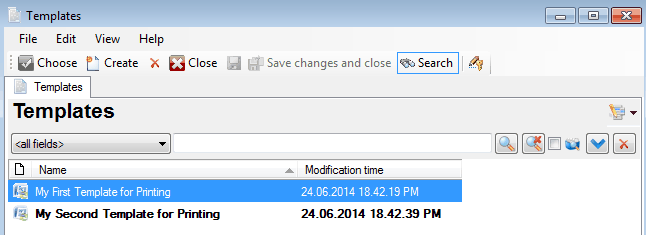
How to create printing templates?